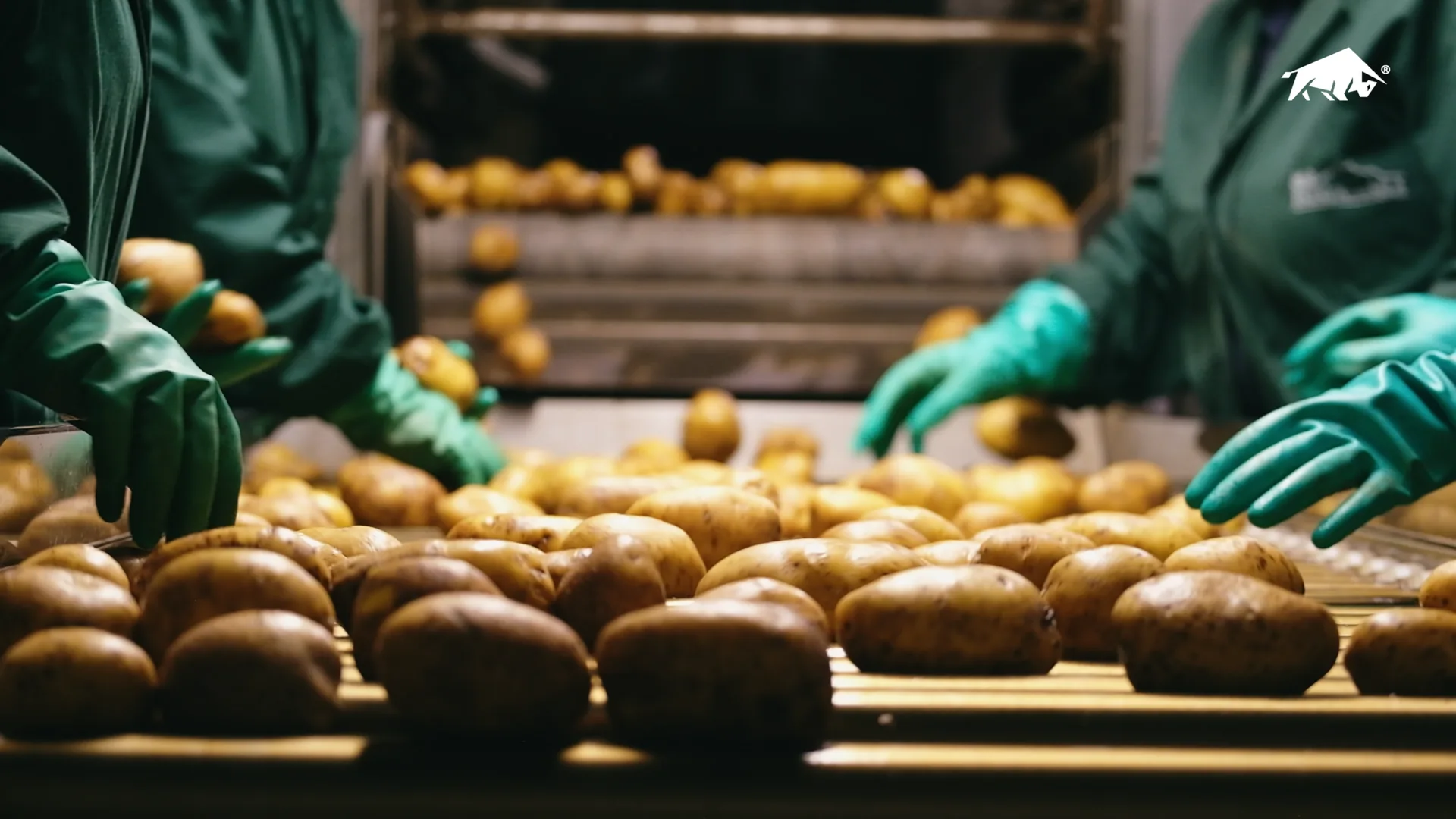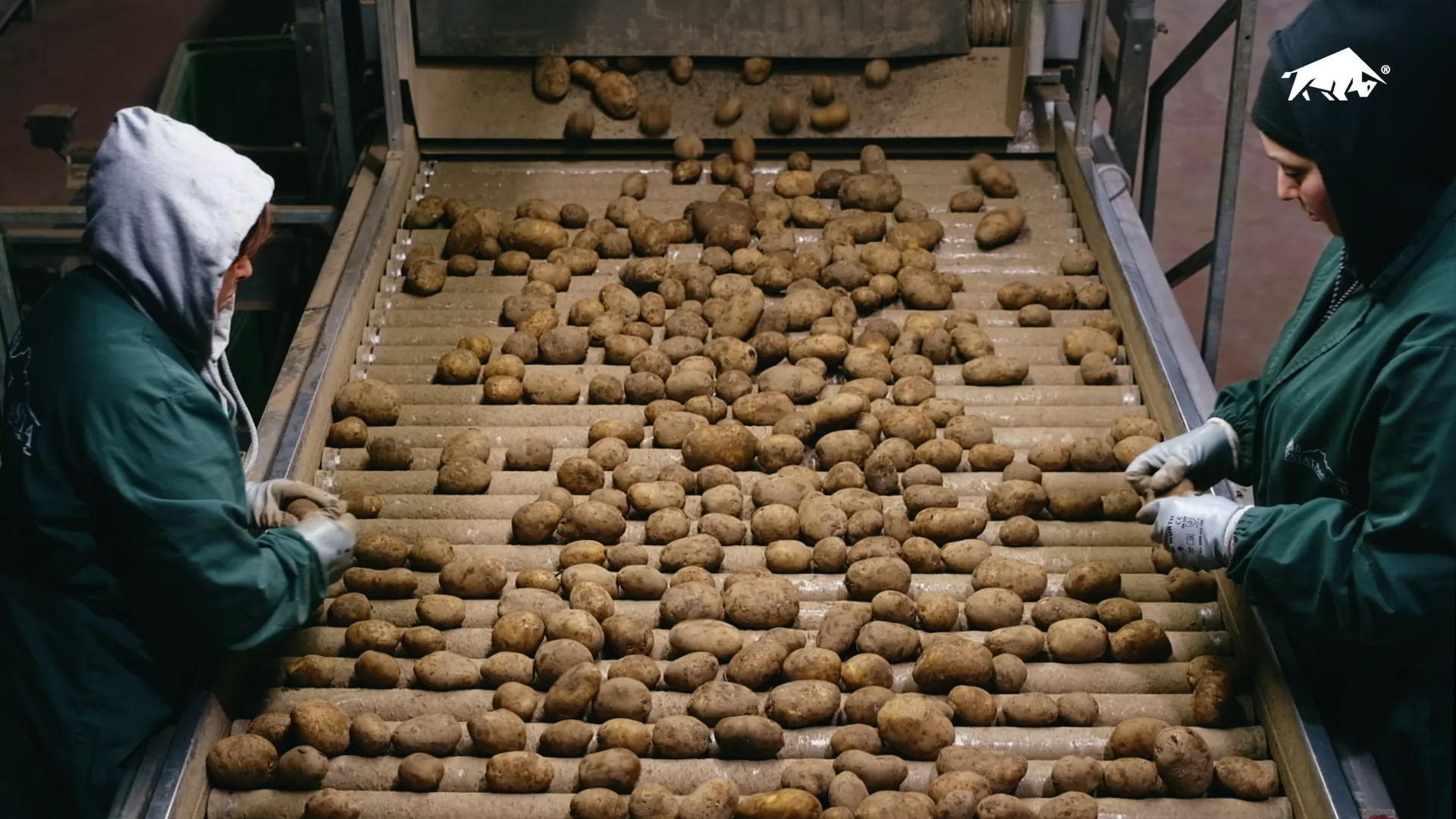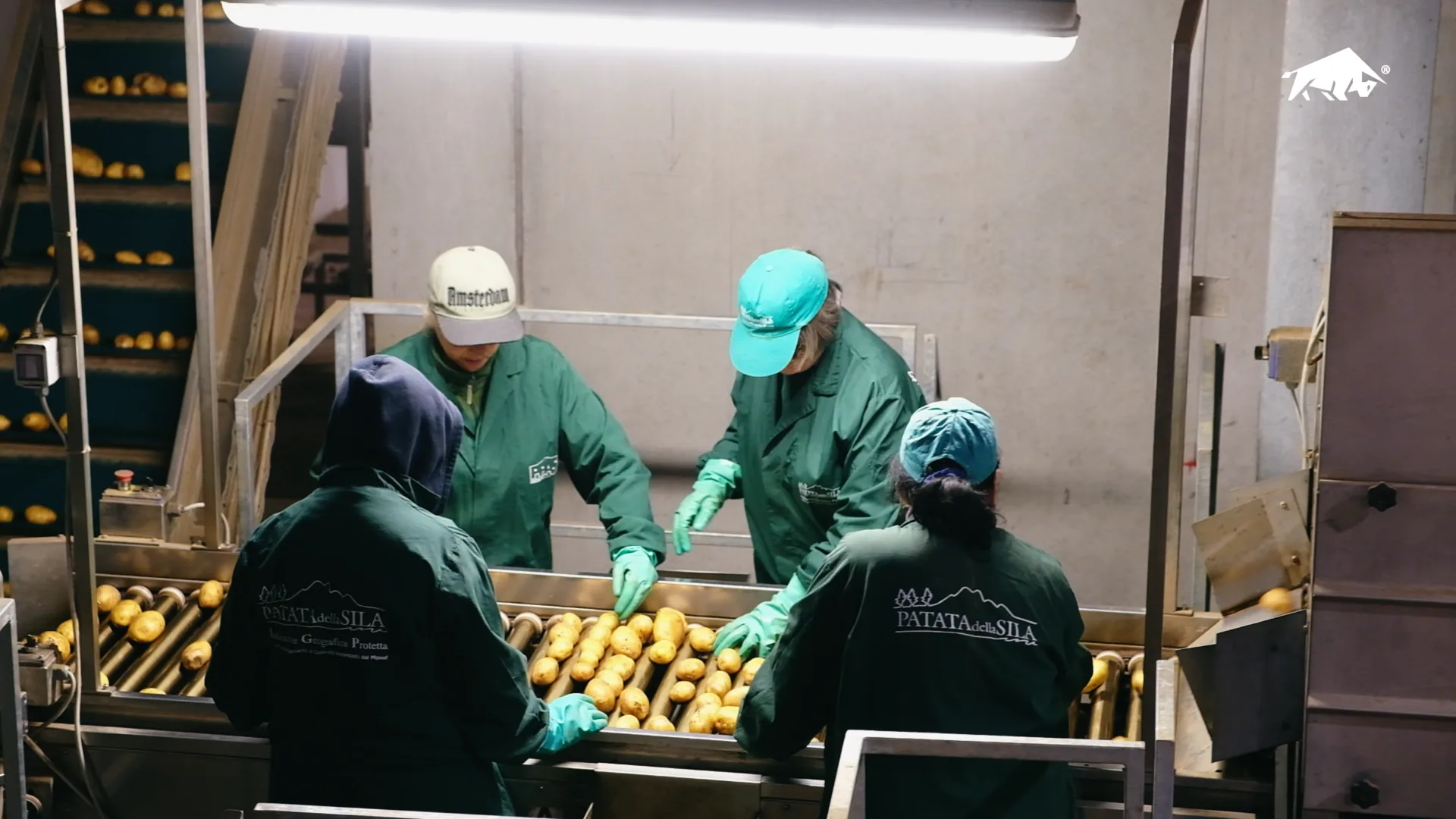

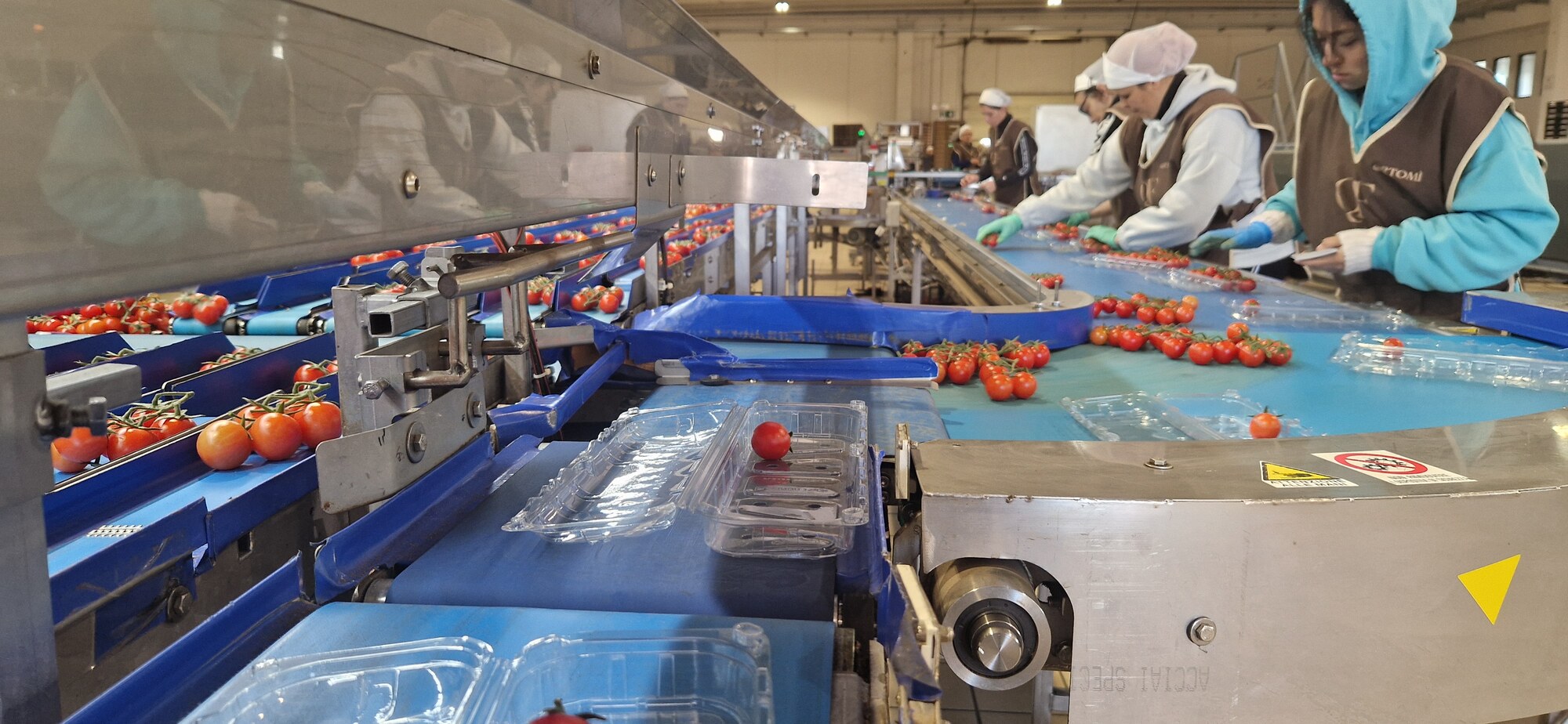
- Fruit and vegetable post-harvest traceability only works if the “digital thread” connects incoming batch → transformations → packages → cases → pallet with events recorded in real time.
- The minimum data model must manage: batches, yields/waste, weighings, recipes/packaging, logistics units (carton/pallet) and 1-up/1-down links.
- Technology is an ecosystem: barcode/QR or RFID, print-and-apply, scales and weight checks, plus MES/WMS/ERP integration.
- The right reports aren’t just for audits: they reduce giveaway, complaints and downtime through KPIs by line and by batch.
- If you’re automating the line, design the material flow and data flow together: it’s the fastest way to avoid traceability “gaps”.
Traceability in post-harvest is not a “quality office” formality: it’s an operational system that determines how quickly you can respond to a recall, how much a complaint costs you, and how much you lose in giveaway (weight given away) or unexplained waste. In a modern line—from unloading to palletizing—every step generates data (weighing, classification, sorting, packaging) and every piece of data must attach to an identity: the batch.
This guide explains how to set up fruit and vegetable post-harvest traceability from batch to pallet, which technologies are needed (MES/WMS, labels, reports) and how to turn line data into daily decisions. For a complete view of automation in post-harvest stages, see also the end-to-end guide to post-harvest automation.
Why “from batch to pallet” is the threshold that separates compliance from control
Operational definition: “from batch to pallet” means being able to reconstruct, unambiguously and with documentation, which raw material batches went into which packages, then which cases, and finally which shipped pallets (and vice versa), including weighings, waste, rework and format changes.
In fruit and vegetable post-harvest, the complexity isn’t just regulatory: it’s physical.
- The product is variable (size, weight, quality, ripeness).
- Lines often change format (trays, netting, cartons, flowpack, etc.).
- There are parallel flows (multiple outputs, multiple sizes, multiple qualities).
- Waste can occur at multiple points (manual sorting, grading, weight checks).
Without a continuous “digital thread”, three things happen:
- Overly broad recalls (withdrawing more pallets than necessary).
- Slow reconciliation between production and shipments (hours/days of searching).
- Distorted KPIs: yield, waste and productivity can’t be attributed to the batch, so they don’t really improve.
If you’re working on layout and bottlenecks, remember that traceability also depends on flow: a poorly designed line generates “blind spots” where the product changes container without being identified. Explore further with Designing a post-harvest line without bottlenecks.
Minimum data model for fruit and vegetable post-harvest traceability (batches, transformations, yields)
Here, being practical wins: you don’t need “everything”, you need the minimum sufficient to reconstruct the path and measure performance.
The entities that cannot be missing
A minimum data model, oriented to post-harvest, includes at least these entities:
- Incoming batch (Raw Lot): identifier, supplier/field, variety, entry date/time, declared quantity, any certifications.
- Incoming load unit (bin/palox/crate): container ID (if present), gross weight/tare, link to the batch.
- Processing order/job: what needs to be produced (customer/channel, quality standard, pack).
- Production batch (Work Batch): actual time window of production, line/machine, operators/shift.
- Transformations/events (Events): washing, grading, sorting, packaging, rework, waste; each event with a timestamp.
- Yields and waste (Yield & Waste): input vs output quantity, waste type (quality, defect, package breakage, out of size).
- Packaging/recipe: pack type (tray, netting, carton), nominal weight, acceptance range, label, EAN/GTIN.
- Outgoing logistics units: package (consumer unit), case/carton (trade unit), pallet (logistic unit, often with SSCC).
- Shipment: destination, delivery note, carrier, temperature/conditions (if managed), pallet list.
Golden rule: every time the product changes “logical container” (from bin to belt, from belt to package, from package to carton, from carton to pallet), an association event must exist.
How to model “transformations” (the part almost everyone underestimates)
In post-harvest you rarely have a 1:1 transformation. It’s more like: 1 incoming batch → many sizes/qualities → many SKUs many incoming batches (same standard) → 1 production batch → many outputs
To handle this variability, record transformations as relationships:
- Input: batch (or portion of batch) + quantity/weight
- Process: station/machine + parameters (size, quality thresholds, speed, recipe)
- Output: SKU + quantity/weight + created logistics unit ID
- Waste: quantity/weight + reason
Concrete example: an electronic grader that sorts by weight/diameter can generate N outputs.
If you don’t record (even just by time intervals) how much of the batch ended up in each output, you lose the ability to:
- explain a low yield on a specific batch
- attribute complaints to a sorting threshold
- correctly estimate cost-to-serve per SKU
From a plant perspective, it’s useful for line machines (e.g. electronic graders, combination weighing systems) to become data sources:
- weight
- class
- waste
- speed
If you’re evaluating line components and functions, explore the products and services to understand how to integrate mechanics, electronics and data collection into a single project.
Technologies for fruit and vegetable post-harvest traceability: barcode/QR/RFID, print-and-apply, weighing
This isn’t about choosing “the best technology”, but the one sufficient for your risk and operational complexity.
Barcode and QR: the pragmatic standard
- Pros: inexpensive, widespread, easy to integrate.
- Cons: require line-of-sight reading; labels must withstand moisture and handling.
- Best practice: use barcode/QR for: incoming containers (when possible), cases and pallets (always), rework stations (to avoid creating gaps).
QR becomes useful when you want to embed more readable information (e.g. batch ID + batch + timestamp + SKU), but be careful: often a unique ID and a good database are enough.
RFID: makes sense when you have volume, reuse and advanced automation
RFID makes sense if:
- you have pooled pallets or tracked reusable containers
- you want automatic readings at checkpoints (end of line, cold rooms, docks)
- the environment makes optical reading difficult (condensation, dirt, film)
But if operations are still manual at key points (rework, frequent format changes), RFID can become a cost without return. Consider RFID as a “second step” after stabilizing flows and KPIs.
Print-and-apply: the point where data and physical reality merge
Print-and-apply is the bridge between software and reality: it generates the label only when the logistics unit exists (closed carton, completed pallet), reducing errors and label waste.
What the label must contain (practical minimum): unique unit ID (case/pallet) SKU/commercial description batch/lot (or batch reference) weight (if required), packaging date, plant/line for pallet: SSCC (if used) and case quantity
Typical mistake: printing labels “in advance” and applying them later. In post-harvest, with fast changes and rework, this is the fastest way to generate mismatches between physical reality and the system.
Weighing and weight checks: not just quality, but data reconciliation
Weighings (in-line and control) serve to:
- ensure compliance (weight range)
- reduce giveaway
- reconcile input-output (actual yield)
- attribute “technical” waste (out of weight, non-conforming packages)
Solutions such as combination weighing systems (also in more flexible versions for format changes) become strategic when you want to link the weight data to the batch and the SKU produced: without that link, you can know “how much you produced”, but not “with what efficiency per batch/variety”.
For the classification/quality part, which often directly feeds traceability (classes, defects, thresholds), also read Sorting and classification with machine vision: how to reduce waste and complaints.
MES vs WMS vs ERP: who does what (and why this is where failing projects are born)
- Quick definitions: ERP (Enterprise Resource Planning): manages orders, master data, accounting, purchasing/sales, often batches at an administrative level.
- MES (Manufacturing Execution System): governs production execution: line events, batch, consumption, yields, downtime, quality, genealogy.
- WMS (Warehouse Management System): governs the warehouse: locations, movements, picking, shipments, logistics traceability.
In fruit and vegetable post-harvest, the most robust scenario is:
- ERP = orders, customers, price lists, SKU/pack master data, “official” batches
- MES = line truth (when and how it was produced, with what inputs and waste)
- WMS = warehouse truth (where that pallet is and when it left)
Minimum integrations that must be very clear in the requirements
- ERP → MES: work orders, pack master data, label rules, customers/standards.
- MES → WMS: created pallets/SSCC, quantities, batches, status (released/quarantine), timestamp.
- WMS → ERP: shipments (delivery note), exit confirmations, stock levels.
Practical rule: if a pallet is created at the end of the line, that event must originate “on the field” (MES or line layer), not in the office (ERP). The WMS must receive it immediately, otherwise pallets “physically exist” but “don’t exist in the system”.
From batch to pallet: an example operational flow (with control points)
Here’s a typical flow, useful for turning theory into specifications:
- Acceptance and creation of the incoming batch supplier/field batch + date/time + estimated quantity recorded optional: container ID (palox/bin)
- Start of processing batch (MES) linked to the order/job and the “pack recipe”
- Grading/sorting classes/outputs and waste recorded (by time or by quantity)
- Packaging each closed case generates an ID (barcode/QR) and an associated weighing
- Palletizing each completed pallet generates an SSCC (or pallet ID) with the list of cases contained
- Warehouse entry (WMS) location, quality status (released/quarantine), temperature/cold room
- Shipping pallet → delivery note → customer association
Recommended control points:
- batch change (start/end) with clear line procedures
- format change (to avoid “wrong but plausible” labels)
- rework: must reopen the genealogical link (from pallet/case to new pallet/case)
If you’re designing or retrofitting a line, integrate these points into the plant project: it’s the difference between a line “that produces” and a line “that produces and proves”. Frame the topic within the post-harvest automation pillar.
Reports, audits and recalls: 1-up/1-down traceability + KPIs that really matter
Audits and recalls: what you need to be able to print in a few minutes
In case of an audit or alert, you need to quickly produce:
- 1-up/1-down traceability: from whom you received and to whom you delivered
- complete genealogy: which incoming batches are in which shipped pallets
- time window: what was produced between two timestamps (when the batch “passed” through the line)
- stock situation: how many pallets are still in the warehouse and where
The difference between “we have it” and “it works” is time: a valid system gets you to a pallet list in minutes, not hours.
KPIs by line and by batch: the three reports that unlock continuous improvement
- Yield and waste by batch/variety sellable output / input waste by reason and by station
- Weight giveaway by SKU and by shift difference between nominal weight and real average correlation with line speed, reel change, calibrations
- OEE and micro-stops with context not just “how much you stop”, but on which batch, with which format, with which parameters here the link with flow design is decisive: see layout, bottlenecks and OEE
If you want real examples and implementation logic applied to plants, check out the case studies: it’s often there that the details emerge (blind spots, rework, bottlenecks) that theory doesn’t show.
Requirements checklist (ready for a specification): what to ask suppliers and integrators
Functional requirements (must-have)
- Creation and management of incoming batches with timestamp and quantity.
- Batch/job management linked to SKU/packaging.
- Generation of unique IDs for case and pallet (with SSCC if planned).
- Case → pallet association and pallet → shipment.
- Rework management without losing genealogy.
- Recall report: “from batch to pallet” and “from pallet to batch”.
Data requirements (to avoid losing informational quality)
- Events with timestamp and station/machine.
- Waste structure with standardized reason (not free-text notes).
- Weighings linked to logistics unit ID.
- Recipe/label versioning (what changed and when).
Technical requirements (to avoid fragile integrations)
- API or standard exchanges (file, web service) between MES/WMS/ERP.
- Offline buffer (if the network goes down, the line doesn’t stop and data isn’t lost).
- User/role management (quality vs production vs logistics).
- Audit trail (who changed what and when).
FAQ (Pillar: Post-harvest automation)
Where do you start to automate a post-harvest line without creating operational chaos?
You start by mapping the real process (not the “designed” one), identifying bottlenecks and points of variability: format changes, rework, stoppages and accumulation. Then measurable KPIs are defined (yield, waste, giveaway, OEE) and you choose what to automate first where the impact is immediate and measurable, typically conveying/buffers, weighing, sorting and end of line. A structured guide to the stages and priorities is available in the end-to-end guide to post-harvest automation.
What are the most common bottlenecks in fruit and vegetable post-harvest?
Typical bottlenecks are: unstable feeding to sorting/grading, insufficient accumulation between stations, non-standardized format changes, weight checks that reject too much due to inconsistent calibration, and palletizing that doesn’t absorb production peaks. These bottlenecks are often not “a slow machine”, but a synchronization problem between stations. For a practical method of analysis and sizing, see layout, bottlenecks and OEE.
Does machine vision really reduce waste and complaints, or does it create false rejects?
Machine vision reduces waste and complaints when it’s calibrated on measurable criteria and when quality thresholds are managed by variety, batch and sales channel. If the system is set up with “rigid” rules and without feedback, it can generate false rejects or instability. The key is to connect sorting results to yield data and complaints, in order to continuously correct thresholds and training. Explore further in quality sorting with machine vision.
In a retrofit on an existing line, what needs to be protected to avoid long stoppages?
In a retrofit, three aspects need to be protected: production continuity (bypasses or progressive installation phases), mechanical compatibility (spaces, dimensions, access for cleaning and maintenance) and data compatibility (integration with existing systems without duplication). Often the most critical part is the transition from “manual” management to “event-driven” management (line events), which requires training and clear procedures for batch and format changes.
What is the real ROI of automation in post-harvest beyond labor savings?
Beyond labor, ROI comes from giveaway reduction (weight given away), quality stabilization (fewer complaints and disputes), increased sellable yield (fewer unexplained waste), greater plant availability (fewer micro-stops) and the ability to handle seasonal peaks without collapsing. When these benefits are measured by SKU and by batch, they become pricing and customer service levers, not just reduced costs.
What is the “bare minimum” to say you have fruit and vegetable post-harvest traceability from batch to pallet?
The bare minimum is being able to unambiguously connect the incoming batch, the processing batch, the sellable units (case/carton) and the logistics units (pallet), with dated events that demonstrate when and how the connection occurred. In practice: every case must have an ID and every pallet must have an ID (often SSCC) with the list of cases contained; furthermore, you must be able to trace back from shipped pallets to the batches that make them up, including waste and rework. If even one step is missing (for example, untracked rework), the chain breaks and recalls become broader than necessary.
Is it better to manage traceability in the ERP or with a MES/WMS?
The ERP is fundamental for master data, orders and “administrative” batches, but it’s rarely suited to managing real-time line events (weighings, waste, format changes, genealogy). That’s why, in post-harvest, the MES is the most suitable system for collecting “production truth”, while the WMS governs movements, locations and shipments. The most robust solution is clear integration: ERP sends orders and rules, MES creates and connects cases/pallets, WMS manages the warehouse and shipments without losing batch references.
How do you correctly manage rework and repackaging without losing genealogy?
Rework should be treated as a new transformation: the original logistics unit (case or pallet) must be “consumed” or put into a dedicated status, and the new cases/pallets must be born with new IDs, while maintaining a recorded link between input (original ID) and output (new IDs). This makes it possible to answer typical audit questions like “which part of the batch ended up in rework?” and “which customers received the reworked goods?”. If rework is managed outside the system (Excel sheet or manual notes), real traceability breaks down and reconstruction becomes slow and vulnerable to errors.